


Access Events Portal: Navigate to the Events portal within the Cvent platform and Select Event: Locate and choose the specific event for which you want to review integration logs.
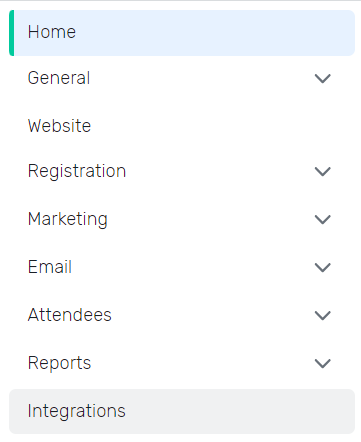
Open Integrations: Click on the “Integrations” section within the event’s details.

Customize Integration: Click on the “Customize” button.

Choose Integration Flow: Select the integration flow for which you want to view the history.

Access Actions Tab: Locate and click on the “Actions” tab and View Logs: Click on “Webhooks Message History” within the Actions tab to be redirected to the integration logs for that specific flow.